ReferenceVault
A downloadable tool for Windows
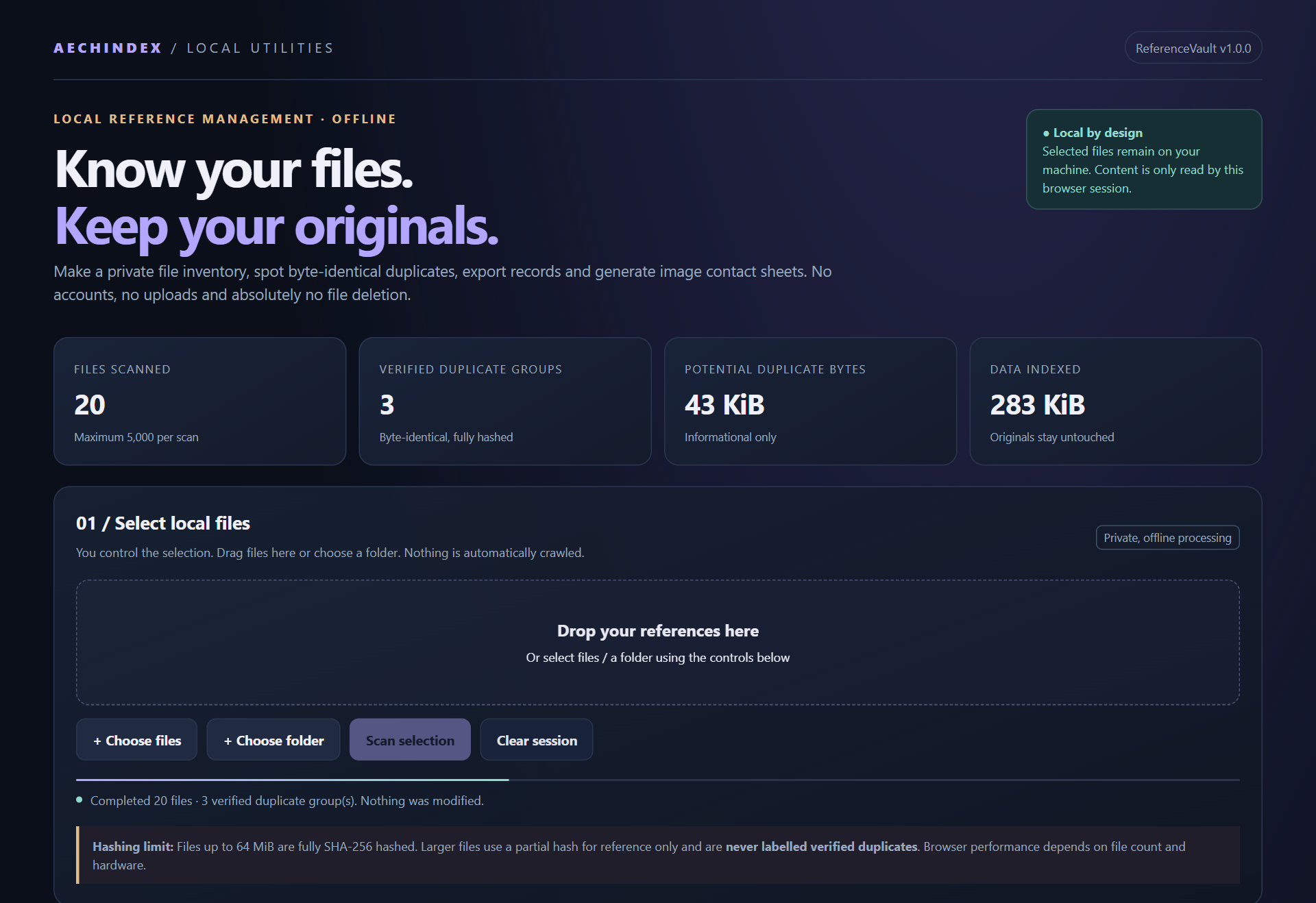
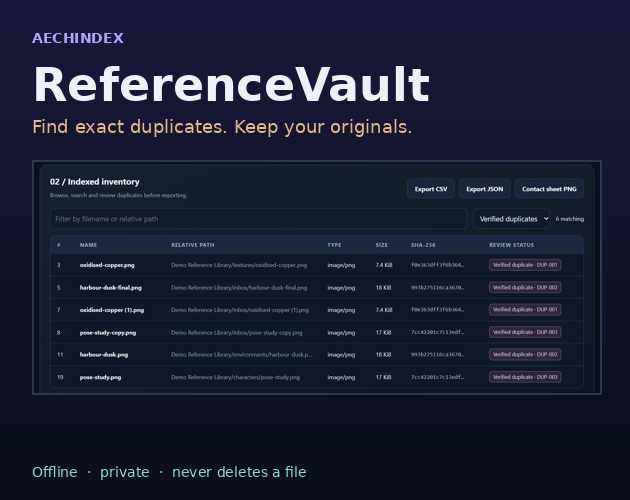
ReferenceVault is a small, private tool for artists, designers and anyone with a messy folder of references. Point it at the files or folder you choose and it lists everything, groups exact duplicates, and lets you export the result or make a contact sheet of your images. It runs entirely inside your browser on your own computer. Nothing is uploaded, and nothing is ever deleted, moved, renamed or changed.
WHAT YOU GET
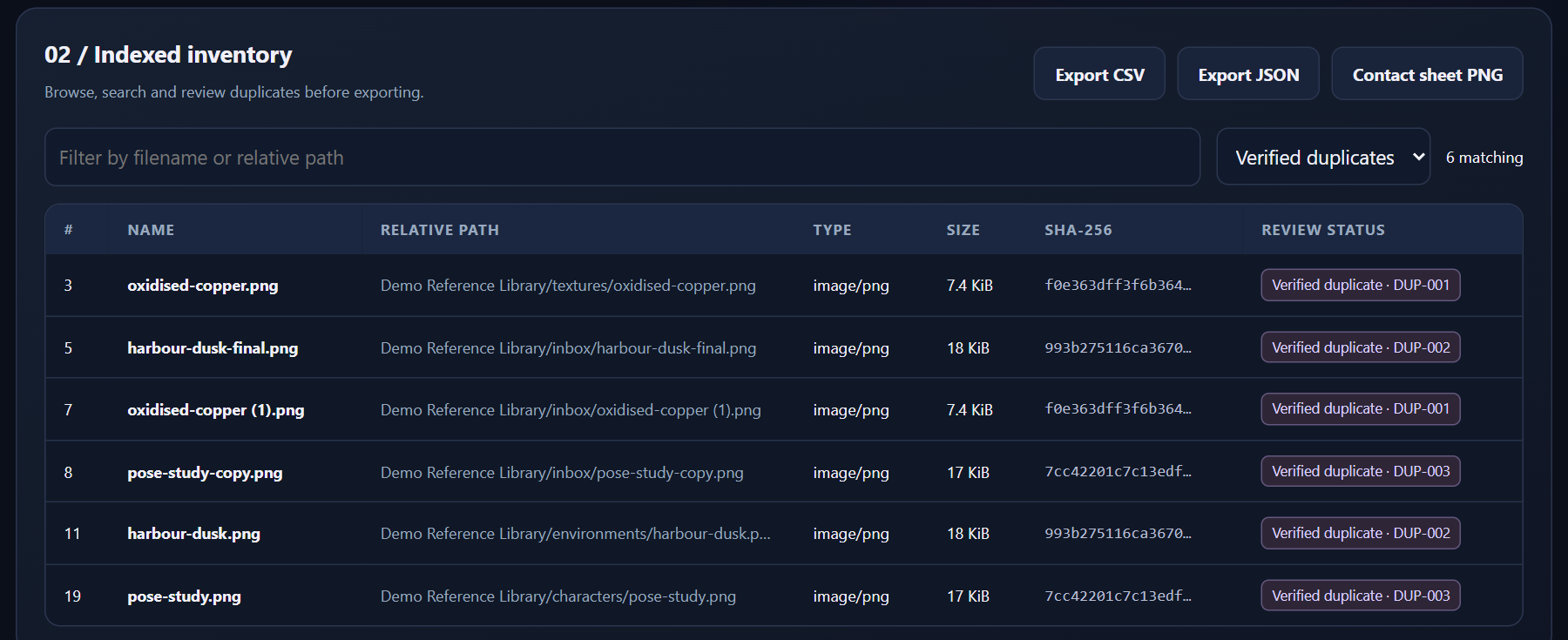
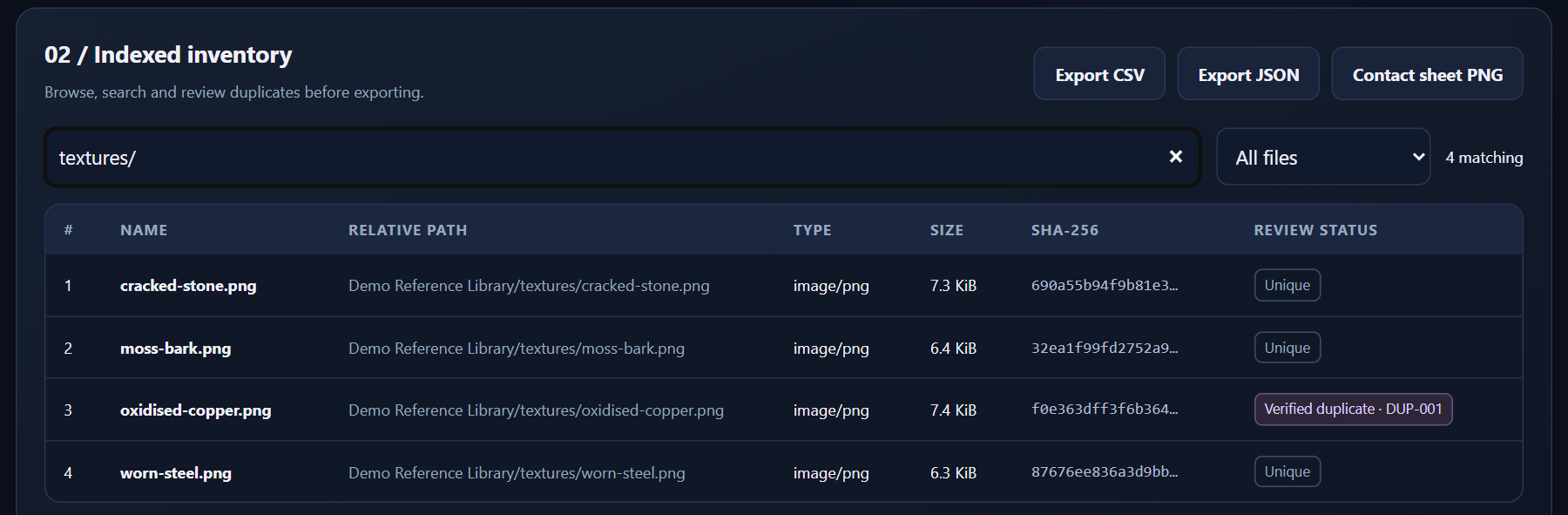
- An inventory of up to 5,000 files per scan: name, path inside the folder you chose, type, size and SHA-256 fingerprint (exports add the modified date).
- Verified duplicates only. Files are grouped only when their size and full SHA-256 match exactly, so look-alikes are never flagged as copies. You also see how much space the extra copies take up.
- Search and filters by name or path, or show only duplicates, unique files, or large files with a partial hash.
- CSV and JSON export of the whole inventory, not just what's on screen. In the CSV, names starting with = + - or @ get a leading apostrophe so spreadsheets can't run them as formulas.
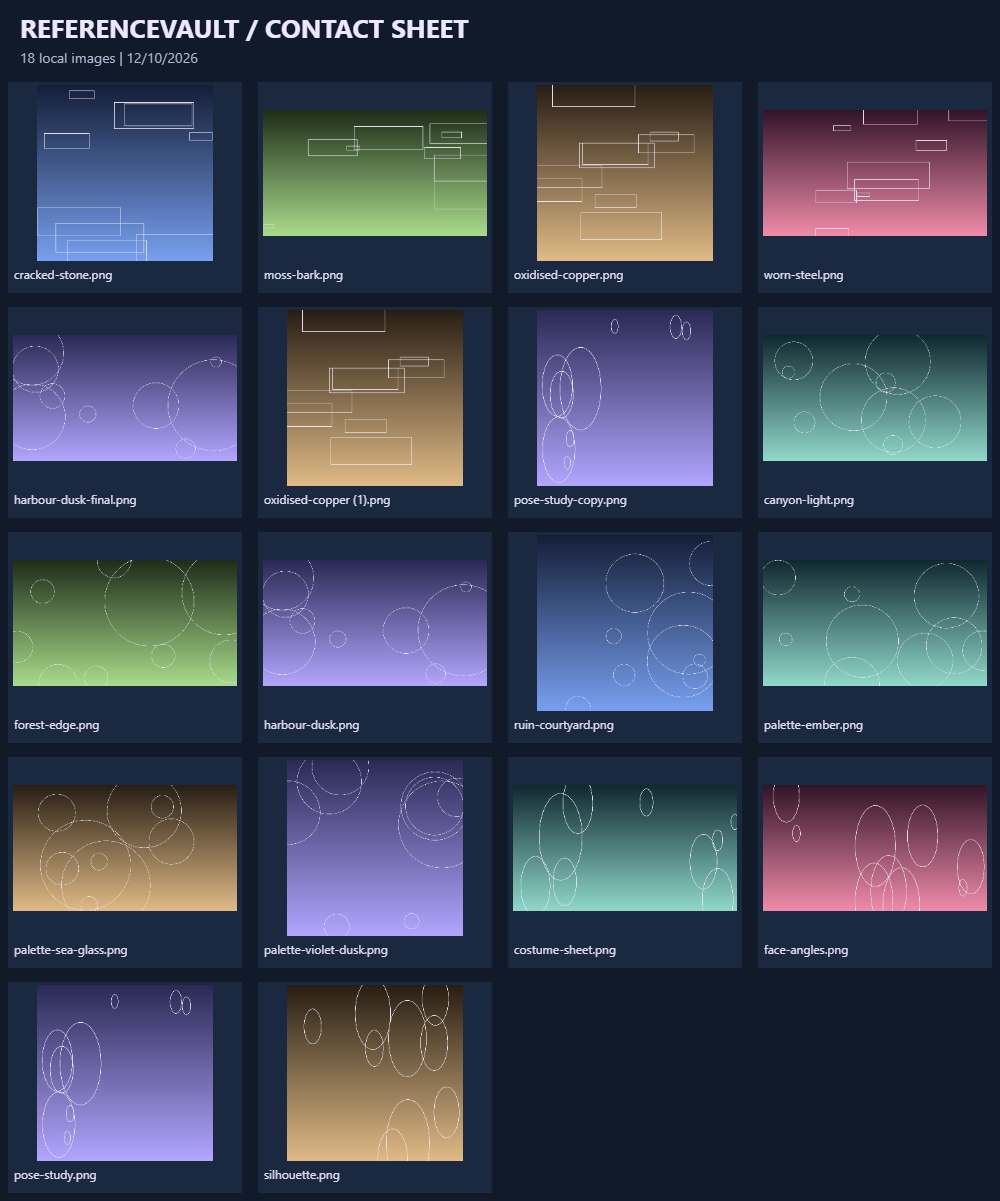
- Image contact sheets: a labelled PNG grid of the first 60 images in your scan.
- A one-page guide, sample files for a two-minute test, and a customer licence.
HOW IT WORKS
- Extract the ZIP and open
ReferenceVault.htmlin Microsoft Edge or Google Chrome. There's nothing to install and no account. - Choose files, choose a folder, or drag files onto the drop area.
- Click Scan selection and review the results. Duplicates are labelled and grouped.
- Export CSV or JSON, or make a contact sheet. Click Clear session when you're done.
Your files are only read while the page is open, and only the ones you pick.
BEFORE YOU BUY
- ReferenceVault finds duplicates; it does not delete them. Paths are shown relative to the folder you chose, so you decide what to do in File Explorer.
- Files up to 64 MiB are fully fingerprinted. Larger files get a partial fingerprint for reference and are never called verified duplicates.
- It compares exact bytes, not visual similarity, so resized or re-saved copies of an image count as different files.
- If you pick the same file twice without clearing, it's listed twice (and shows as its own duplicate). The app warns you when you add to an existing selection.
- Folders dragged onto the drop area are skipped; use Choose folder for folders.
- The table shows the first 250 matching rows; use search, filters or an export for the rest. Contact sheets use the first 60 images scanned. Very large scans use a lot of memory, so work in batches.
- Tested on Windows 11 with Microsoft Edge 155 and Google Chrome 155. Other browsers, macOS and mobile are not certified.
- Not a backup tool, malware scanner or digital-asset manager.
LICENCE AND SUPPORT
One purchaser (a person or a business) may use ReferenceVault for personal and internal commercial work; the full terms are in LICENCE.txt. You own your files and everything you export. For product help, email aethelindex@gmail.com with your order reference and browser version. For payment or download problems, use the support route in your purchase receipt. Your rights under the Australian Consumer Law and itch.io's refund rules are not affected.
AI DISCLOSURE
AI assistance was used for code, sample images and text. All sample files were created for this product.
ALSO FROM AECHINDEX
Creator Inventory System: an editable desktop-Excel workbook that keeps inventory, licence evidence, storage, project allocations and financial activity together. https://aechindex.itch.io/creator-inventory-system
Download
Click download now to get access to the following files:
Leave a comment
Log in with itch.io to leave a comment.